Products / Chhayakaar Journal
Product Photography for E-commerce and Campaigns
A practical framework for deciding which product images should explain, which should persuade and how to plan both in one production.
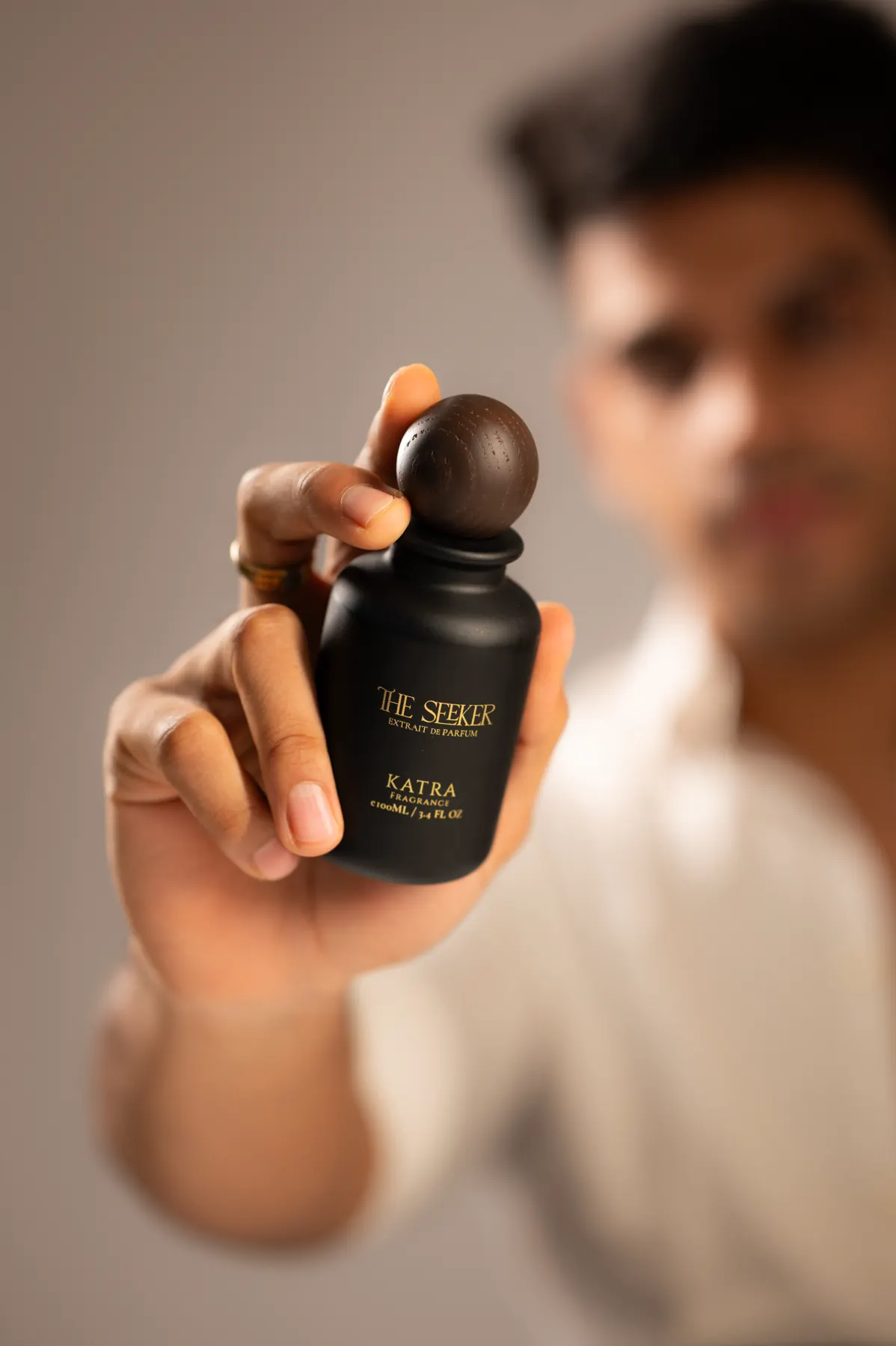
Short answer
E-commerce product photography explains a product clearly and consistently; campaign photography builds desire and brand meaning. A useful production plan separates the two objectives, defines required angles and crops, confirms marketplace rules, and identifies where styling, models, props or locations are needed.
- Separate catalogue requirements from campaign ideas.
- Create an SKU and angle matrix before products arrive.
- Confirm colour accuracy, retouching and background standards.
- Plan packaging, scale, texture and in-use details.
- Export each image for its actual marketplace or campaign channel.
01 / Guide
Give explanation and persuasion different jobs
Catalogue and marketplace photographs reduce uncertainty. They show shape, colour, scale, important details and what is included. Campaign photographs create a point of view around the product and connect it to a person, place or aspiration.
Many brands need both. Treating them as separate groups within one production keeps essential coverage protected while allowing more time for styled images.
02 / Guide
Build an SKU and angle matrix
List every product, variation and required view. Mark which products share the same setup and which need special handling for reflective, transparent, textured or flexible materials.
Include packaging, labels, closures, accessories, scale references and in-use details where they affect a purchase decision. The matrix becomes the shared production checklist and the basis for final file naming.
- Product and variation identifier
- Required front, side, back and detail views
- Background and shadow treatment
- Model, hand or scale reference
- Marketplace dimensions and file format
03 / Guide
Plan campaign frames around placement
A website banner needs room for navigation and copy. A vertical social placement needs a different composition. Packaging, outdoor media and retailer campaigns may require still more space and resolution.
Share layout templates before the shoot where possible. Composing for the intended placement is more reliable than forcing a crop after production.
04 / Guide
Prepare products before shoot day
Send clean, final products and backup units for anything fragile or difficult to reset. Confirm approved packaging, labels and colours. Note imperfections that must remain truthful and those that should be corrected during retouching.
Products can often be shipped to a controlled setup, while lifestyle and in-use work may be produced on location in Jaipur, Delhi, Udaipur or Jodhpur depending on the brief.
05 / Guide
Agree on retouching and delivery
Define the expected finish with examples: colour correction, dust cleanup, compositing, clipping paths, reflections, background values and shadow consistency. Technical standards should be agreed before the first final file is produced.
Request a naming structure that maps directly to product identifiers and channels. A clean delivery system saves time for e-commerce, design and marketing teams long after the shoot.
Frequently asked
Practical questions.
Can e-commerce and campaign photography happen on the same day?
Yes, when the shot list protects required catalogue views first and reserves separate time, styling and approvals for campaign frames.
How should products be delivered to the photographer?
Send final, clean units with a manifest and backup products where possible. Include handling instructions and confirm return logistics before dispatch.
What information is needed for an estimate?
Share the number of products and variations, required angles, backgrounds, styling level, final channels, retouching expectations and deadline.